Assembly instructions
Waveshare 11.9" touchscreen & Raspberry Pi 4 / Pi 5 - CustomDeedsAustralia 2RU rack panel
Work on a clean, padded surface. Do not overtighten screws. Leave the screen protector in place until assembly is finished. Click any photo to view it full size.
-
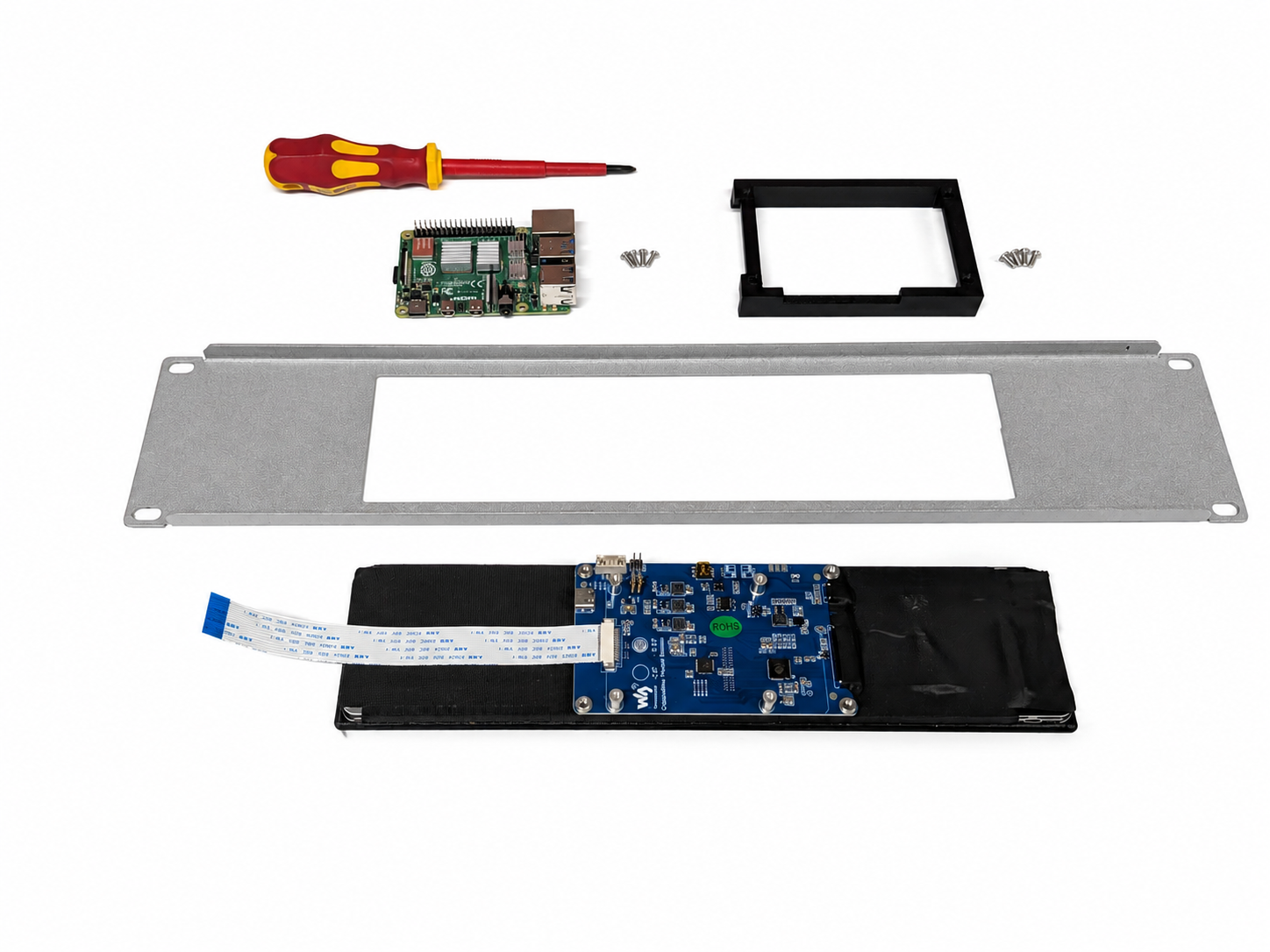
Lay out all components
Lay out everything required with the screen face down. Choose your work surface carefully to avoid scratching the display, or leave the screen protector on until you have finished assembly.
-
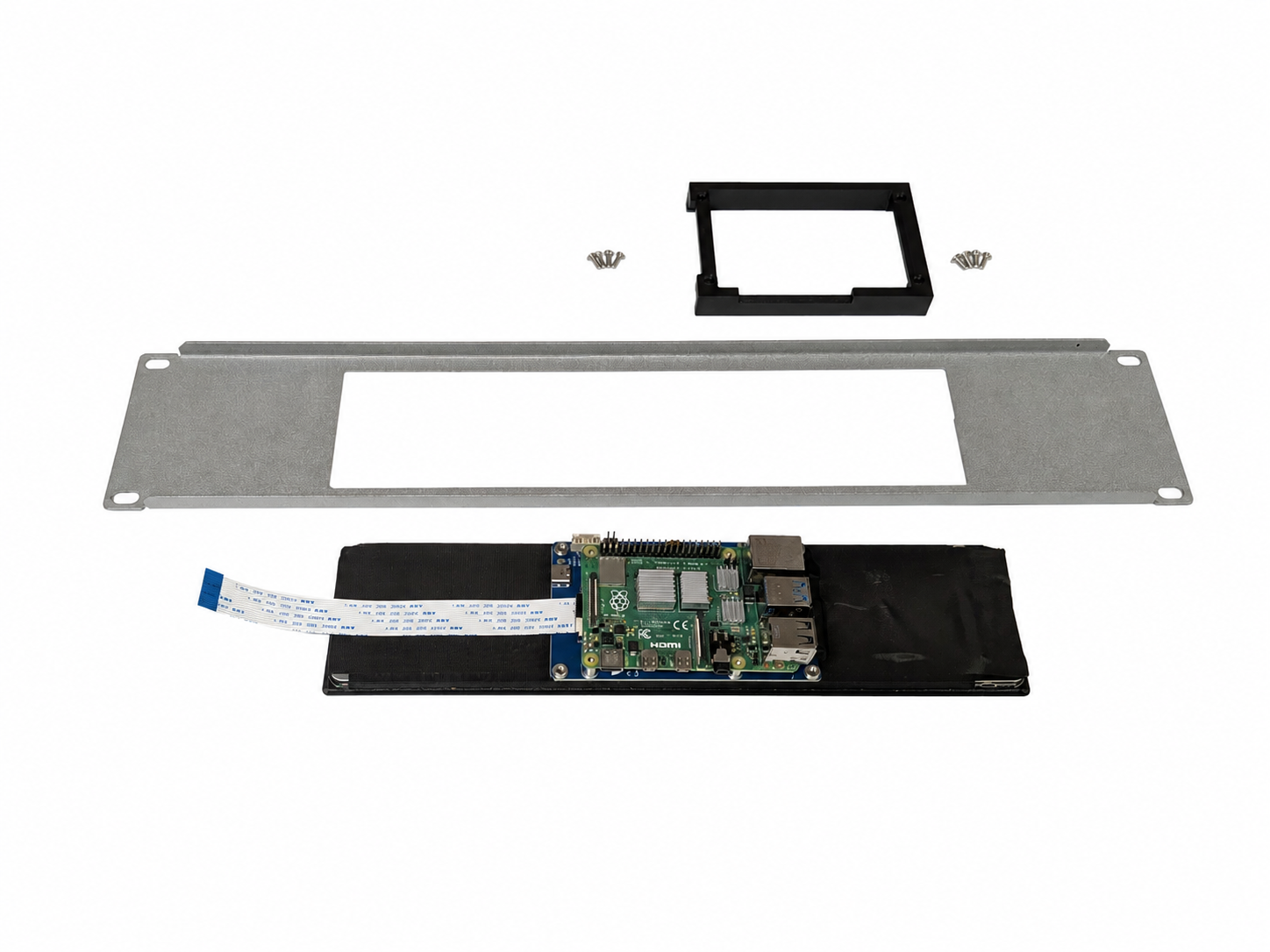
Mount the Raspberry Pi
Mount the Raspberry Pi to the screen in the correct orientation. See Waveshare documentation for your specific board if you need additional guidance.
-
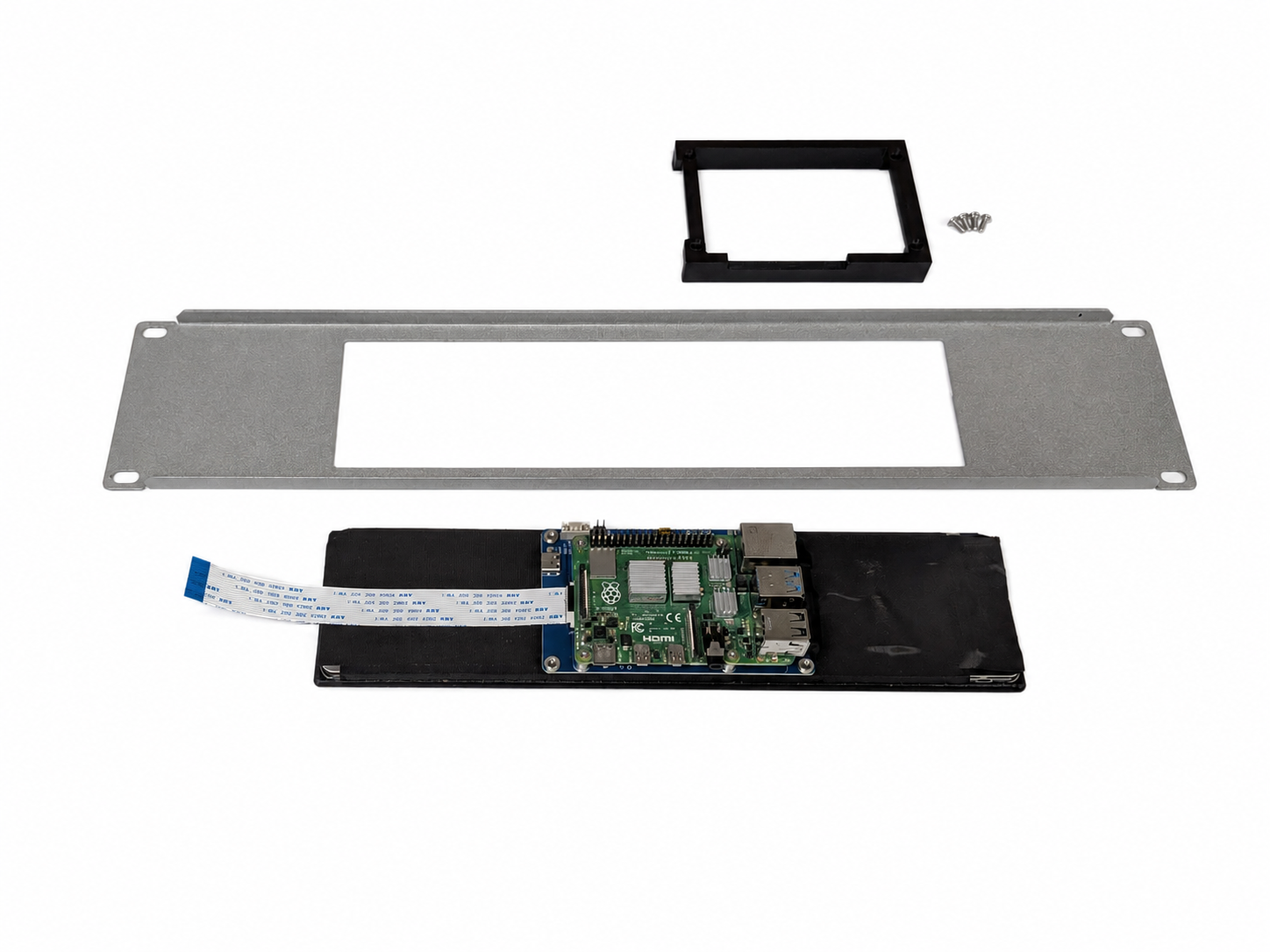
Attach the Raspberry Pi with small screws
Using the smaller screws supplied, attach the Raspberry Pi to the screen. Snug the screws firmly but do not overtighten.
-
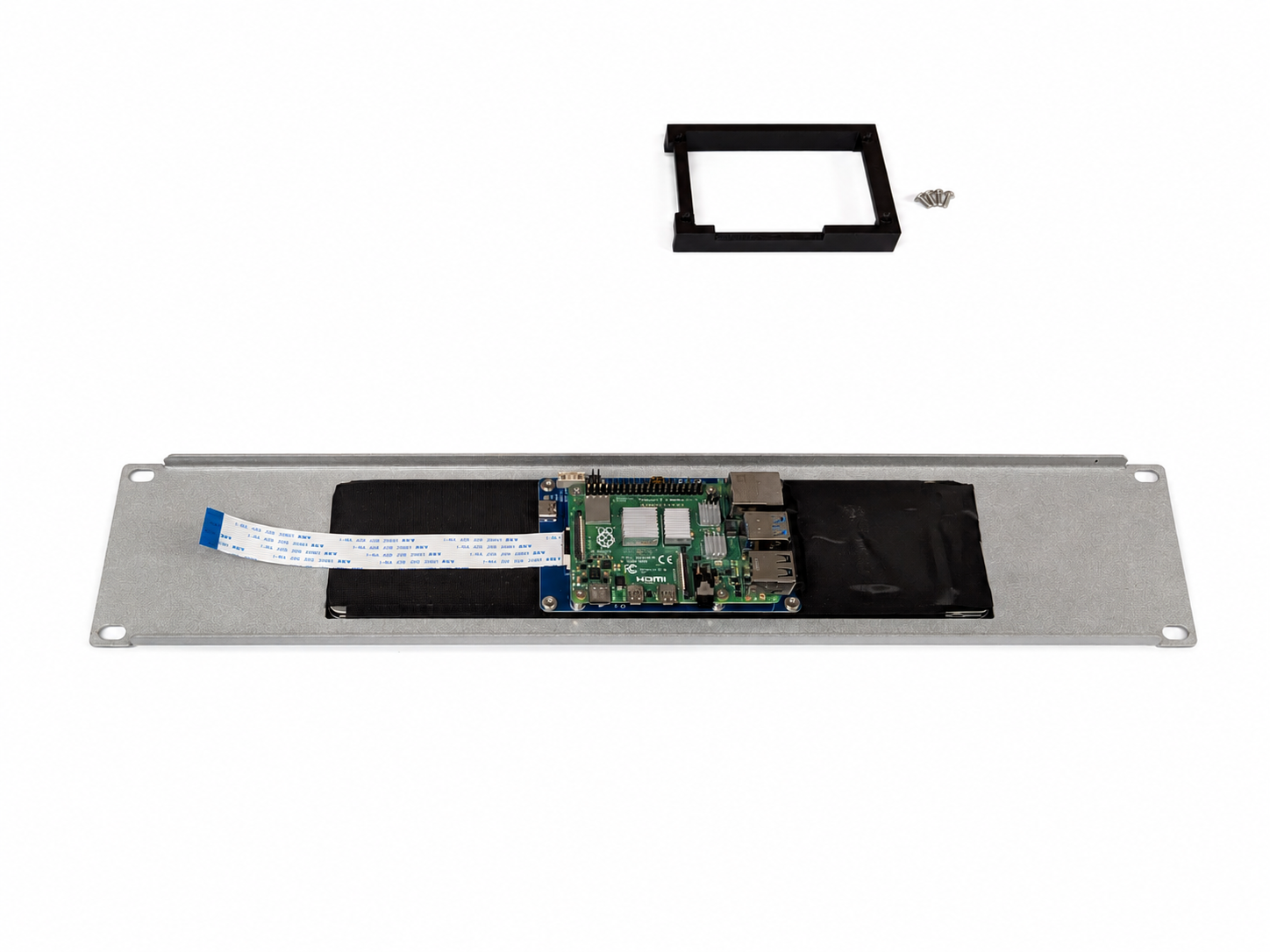
Fit the custom faceplate
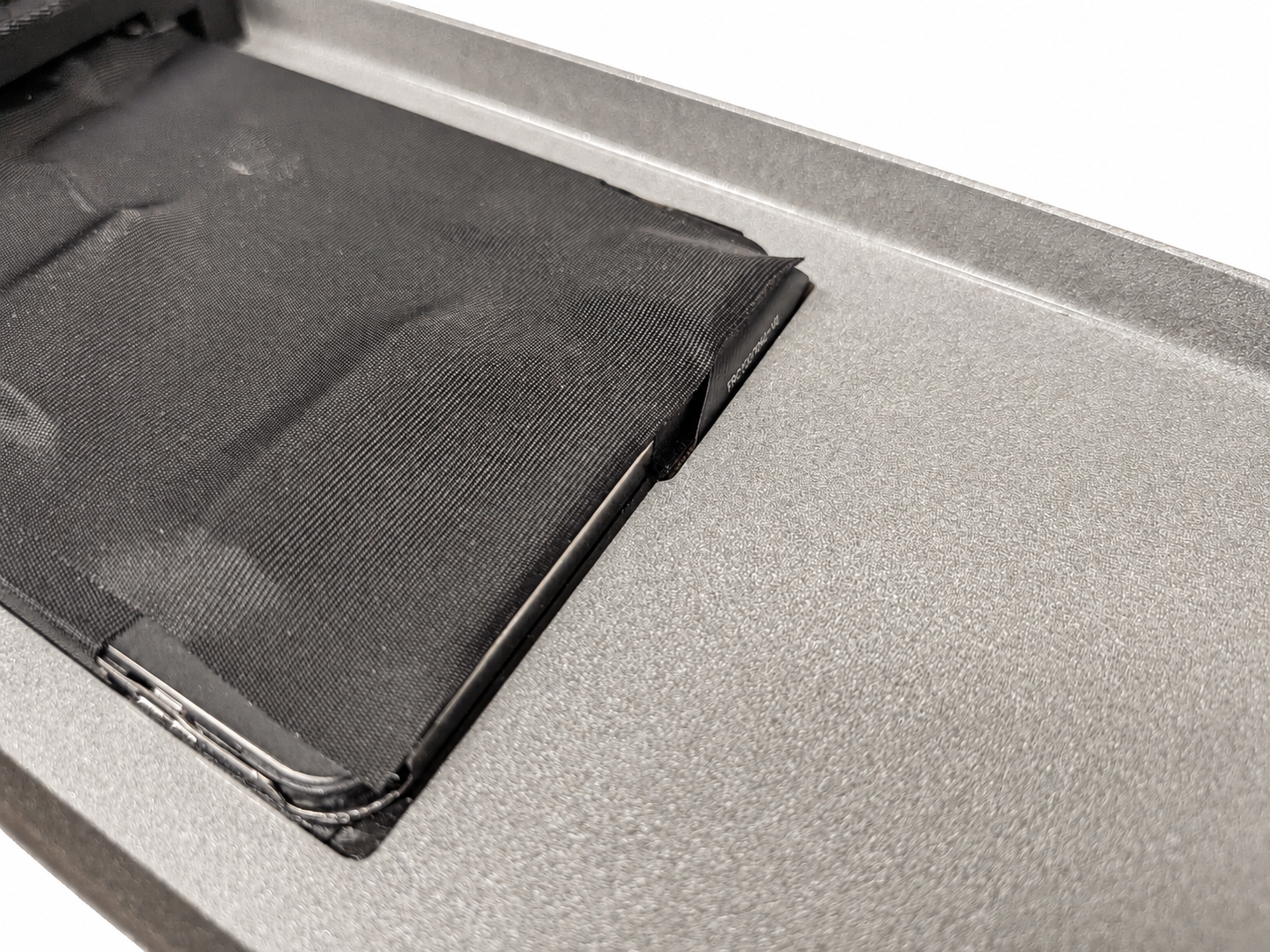
Place the supplied custom faceplate over the screen. Align the screen ribbon cable with the notch on the custom faceplate as shown in the detail photo.
-
Fit the screen retainer bracket
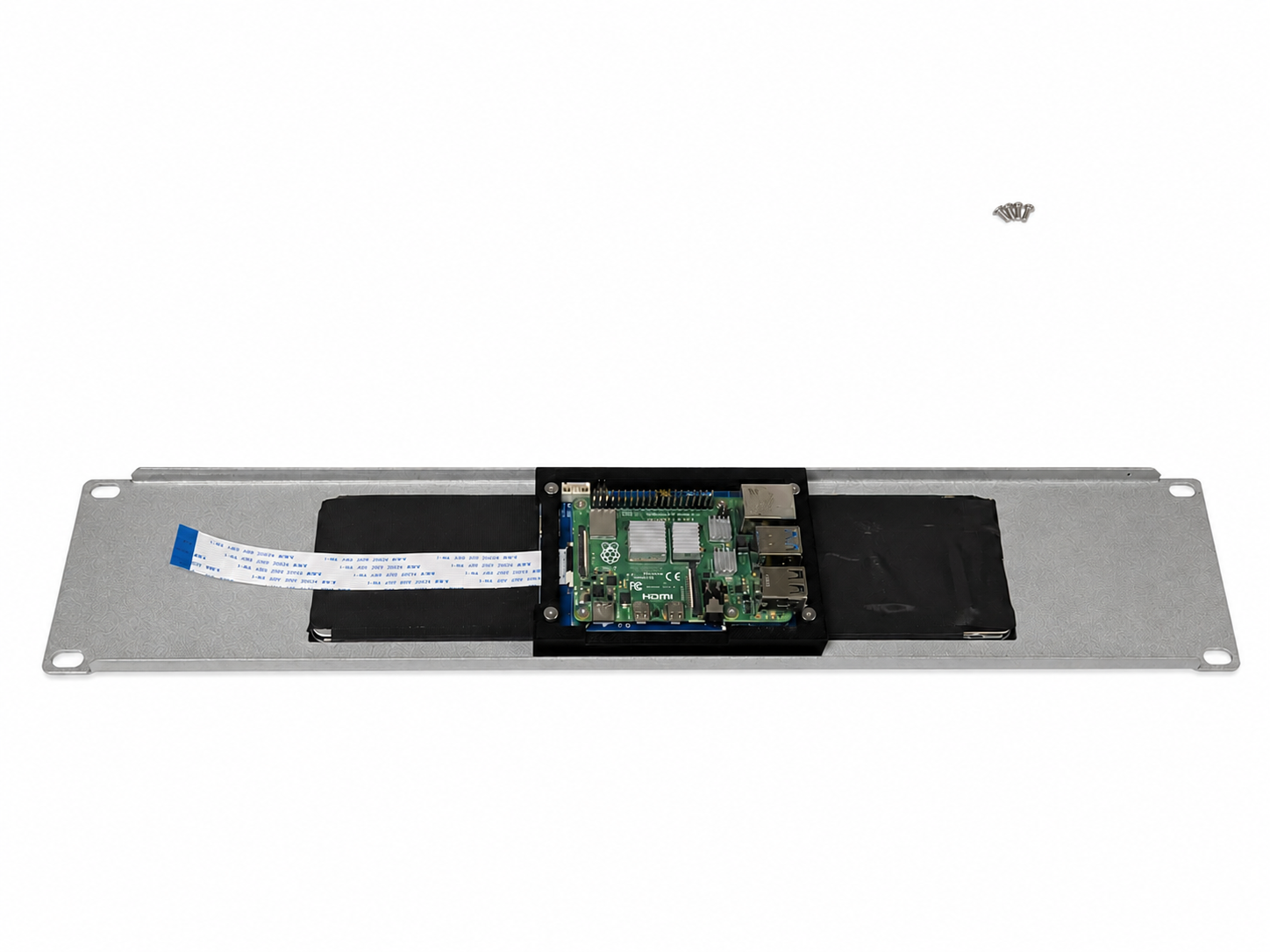
Place the supplied custom screen retainer bracket on the assembly as shown.
-
Secure the retainer bracket
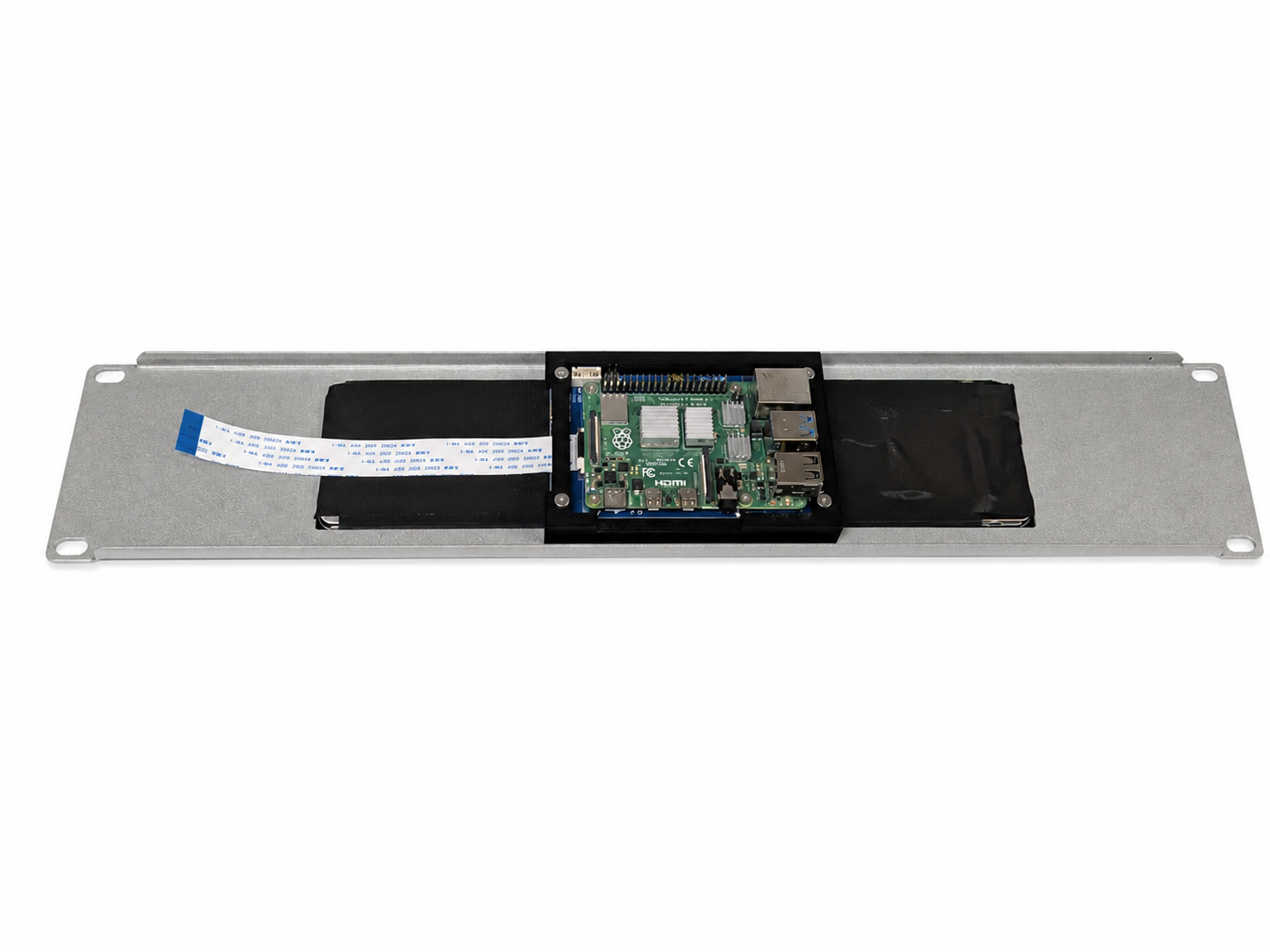
Using the larger screws supplied, attach the screen retainer bracket to the screen. Again, snug only - do not overtighten.
-
Connect the ribbon cable
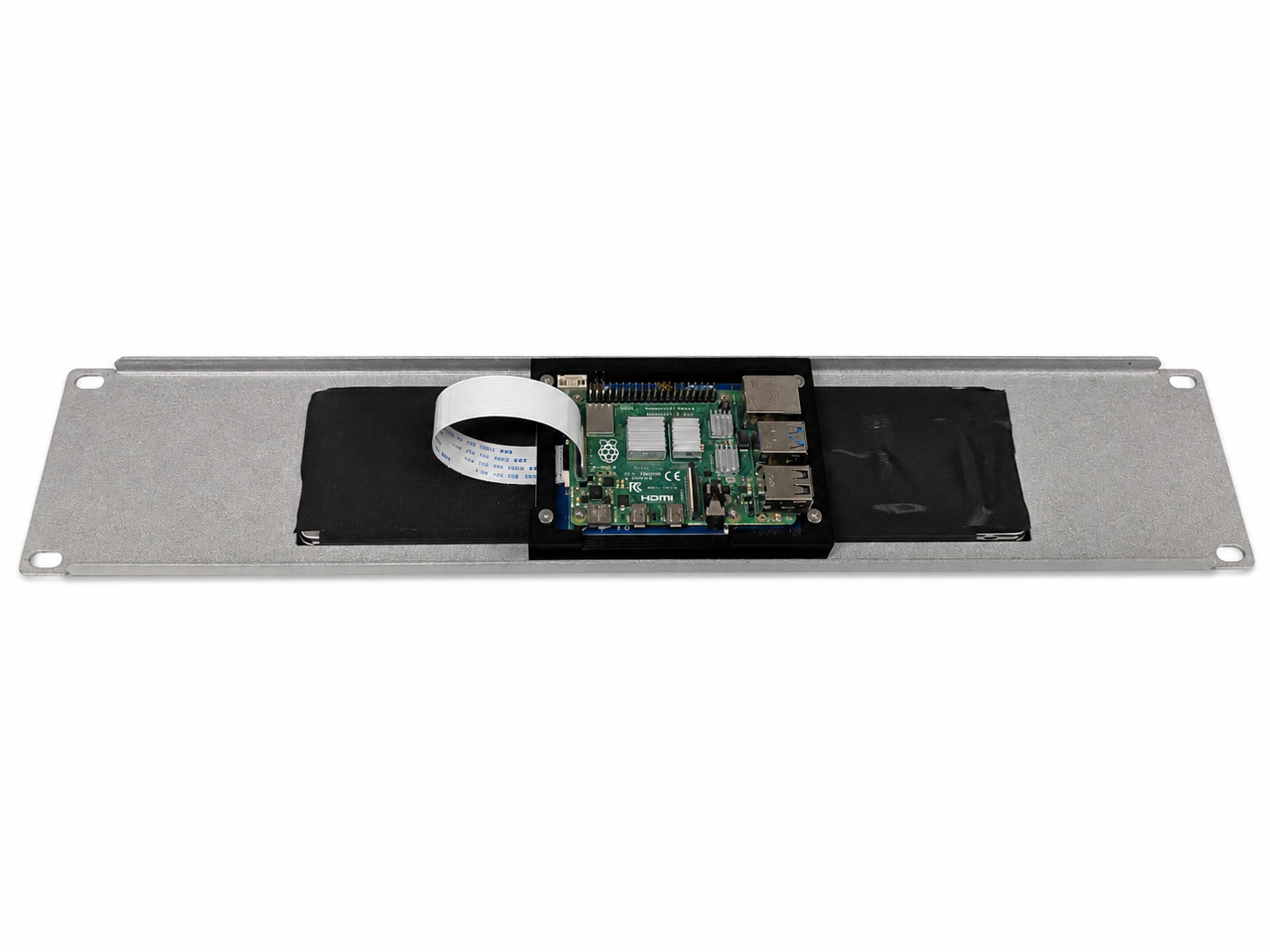
Attach the screen ribbon cable to the Raspberry Pi. These photos show a Raspberry Pi 4; the same principle applies to the Raspberry Pi 5.
-
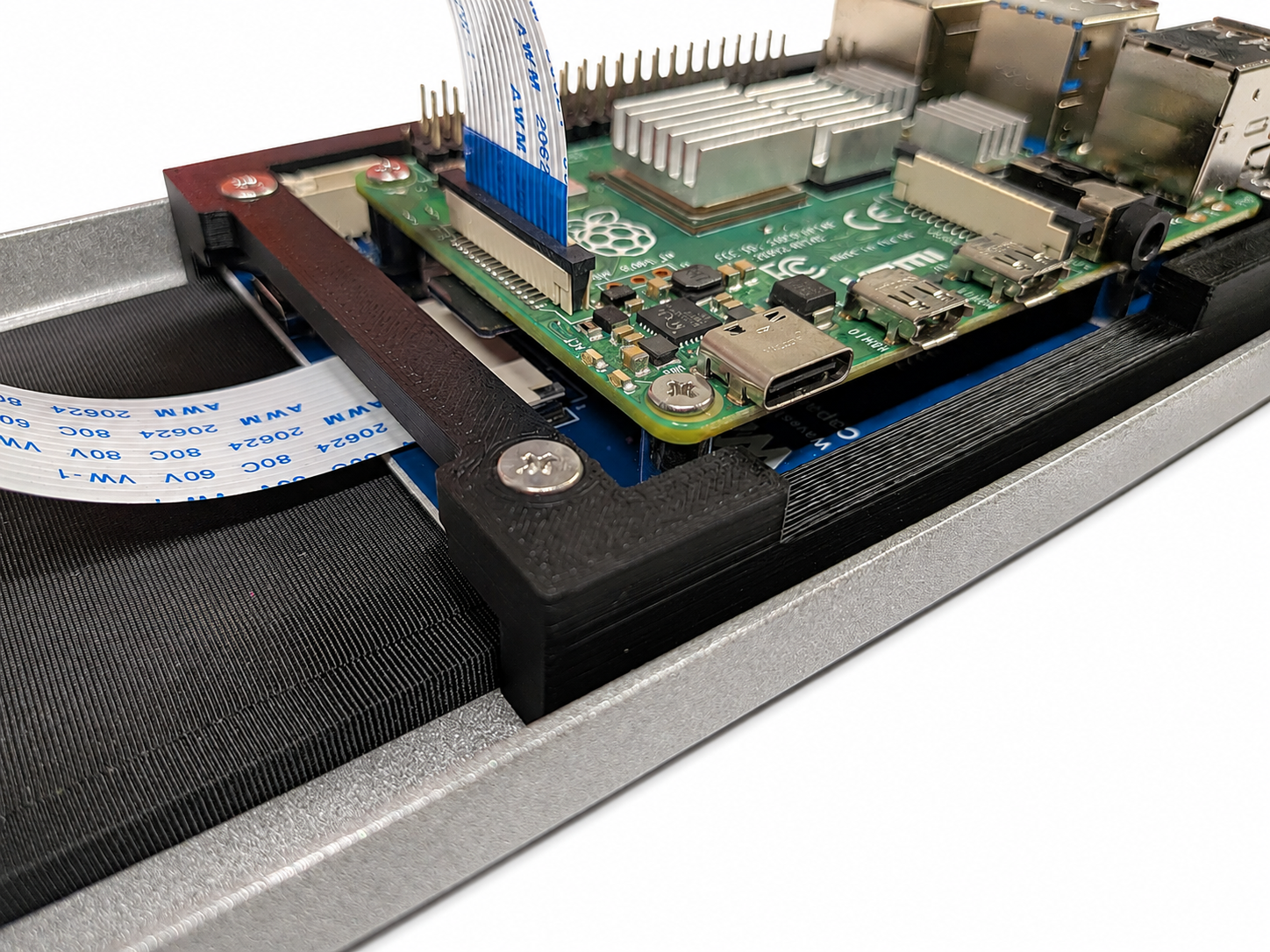
Check the finished assembly
This close-up shows the retainer bracket, screws, and ribbon cable correctly in place before you move on to testing.
-
Bench test before racking
Before you mount the panel in your rack, bench test the Raspberry Pi and screen together. Confirm the display powers on, touch responds, and your software starts cleanly while the assembly is still easy to reach on the bench.
Software setup
After physical assembly, you will need to configure the Waveshare 11.9" DSI display on your Raspberry Pi. I have published setup notes for both Raspberry Pi 4 Model B and Raspberry Pi 5 here:
github.com/DavidDeeds/Waveshare-11.9-RPi4-and-RPi5-Setup
That guide covers display configuration for the Waveshare 11.9" DSI LCD on current Raspberry Pi OS builds.
Need the panel?
Purchase the rack panel, retainer bracket, and screws through Etsy.